






Digital Services
Bank from home or bank on the go with Freedom.
24/7 Online & Mobile Banking Services
Wherever you’re online, you have access to an array of easy-to-use digital banking services. Enroll in Online Banking and then download Freedom’s Mobile App to get started.
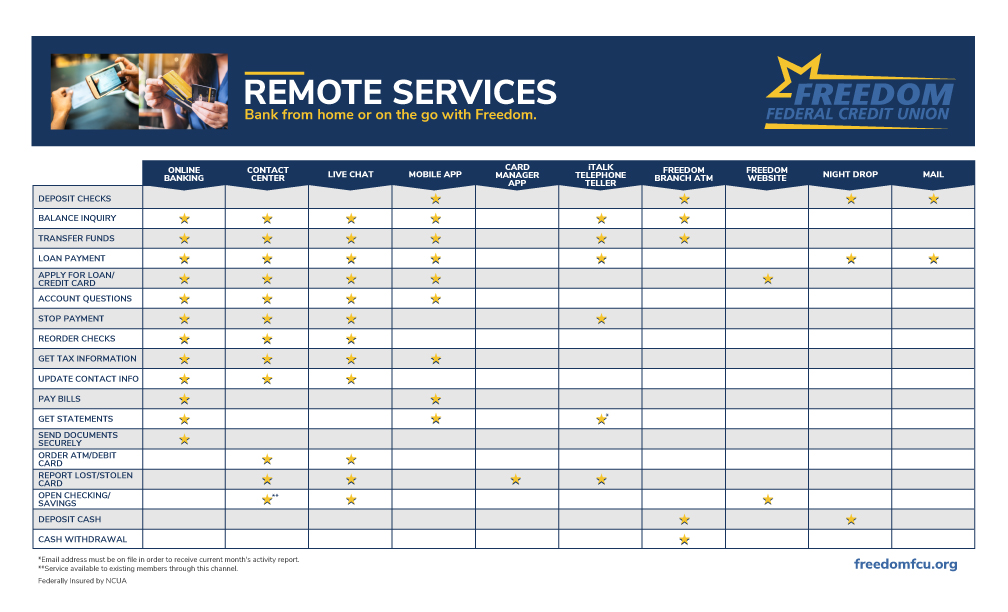
Access These Digital Services and More
Bill Pay
Simplify your monthly bill payments. No checks, no postage, no mail — just set them up and we’ll handle the rest.
(Looking to make a payment on your Freedom Loan? Click here to learn how.)
- Getting started with Bill Pay is simple! For complete information related to Bill Pay enrollment, please refer to our Bill Pay reference guide.
- For Bill Pay support call 877-576-9936. Bill Pay support is unavailable from 2:30 a.m. to 7:30 a.m. each day, but is available at all other times.
- Learn more by watching the demonstration video.
Mobile Deposit Capture
Make an electronic check deposit using a smart phone or tablet.
Deposit a Check Using a Mobile Device
- First download our mobile app, Freedom FCU Mobile Banking
- Review our Mobile Deposit Capture FAQs
- Review our Mobile App FAQs
Digital Wallets
Turn your phone into your favorite way to pay.
From your morning coffee to the weekly grocery run, your Freedom card fits right into your routine. Add it to your digital wallet and pay with the device you already keep close.
Digital wallets allow you to securely save your credit card or debit card information and pay right from your Apple, Samsung, or Android device!
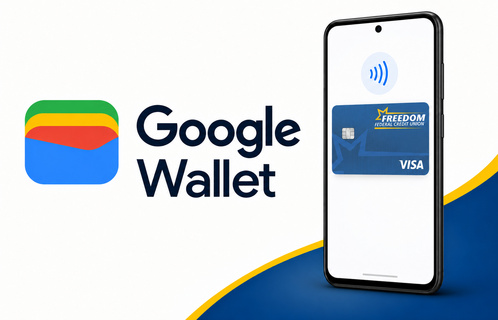
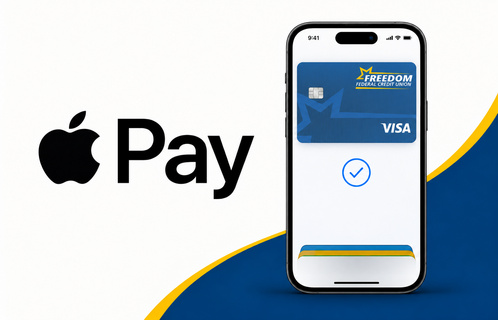
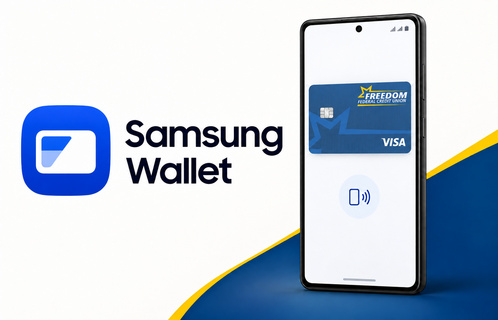
As always, if you have questions or concerns, please reach out to our Contact Center at 1-800-440-4120 or through Live Chat found in the bottom right-hand corner of your screen.
Pay A Person
Like Zelle, CashApp, or Venmo, with Freedom’s Pay a Person feature, sending money to friends and family is a breeze. All you need is their email or phone number to transfer funds securely and conveniently through Online or Mobile Banking.
Whether you’re splitting a bill or sending a gift, our Pay a Person feature has you covered. This convenient feature can be set up in Bill Pay and allows you to make person-to-person payments electronically to anyone you choose, such as a landlord, babysitter or relative. Learn how to get started here.
Funds Transfer
You may transfer funds from another account into your Freedom account right in Online/Mobile Banking. Once signed in, you may select “Transfers” and then select “+ External Account”. To add your external account for transfers, you will need to know your routing number, account number, and whether you are transferring from a checking or savings account.
You can also set a one-time or reoccurring loan payment from any bank or credit union in our Online Banking.